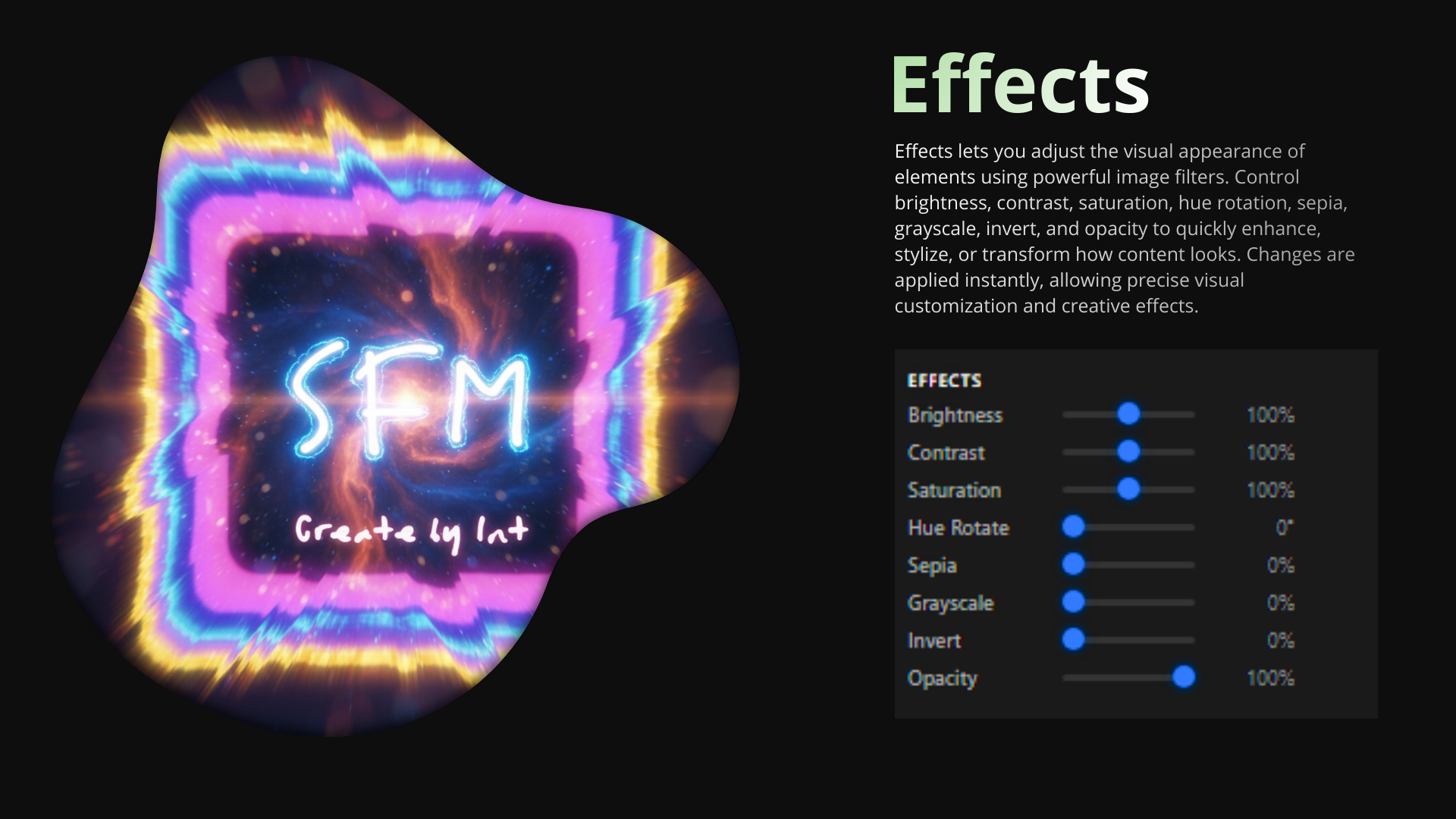
Our Surface Filter Mode (SFM) plugin enhances web customization by providing powerful tools to transform any website into a personalized creative space. As a comprehensive browser extension, SFM enables users to apply stunning visual effects, manipulate elements, and inject custom code locally.
Beautiful Filters
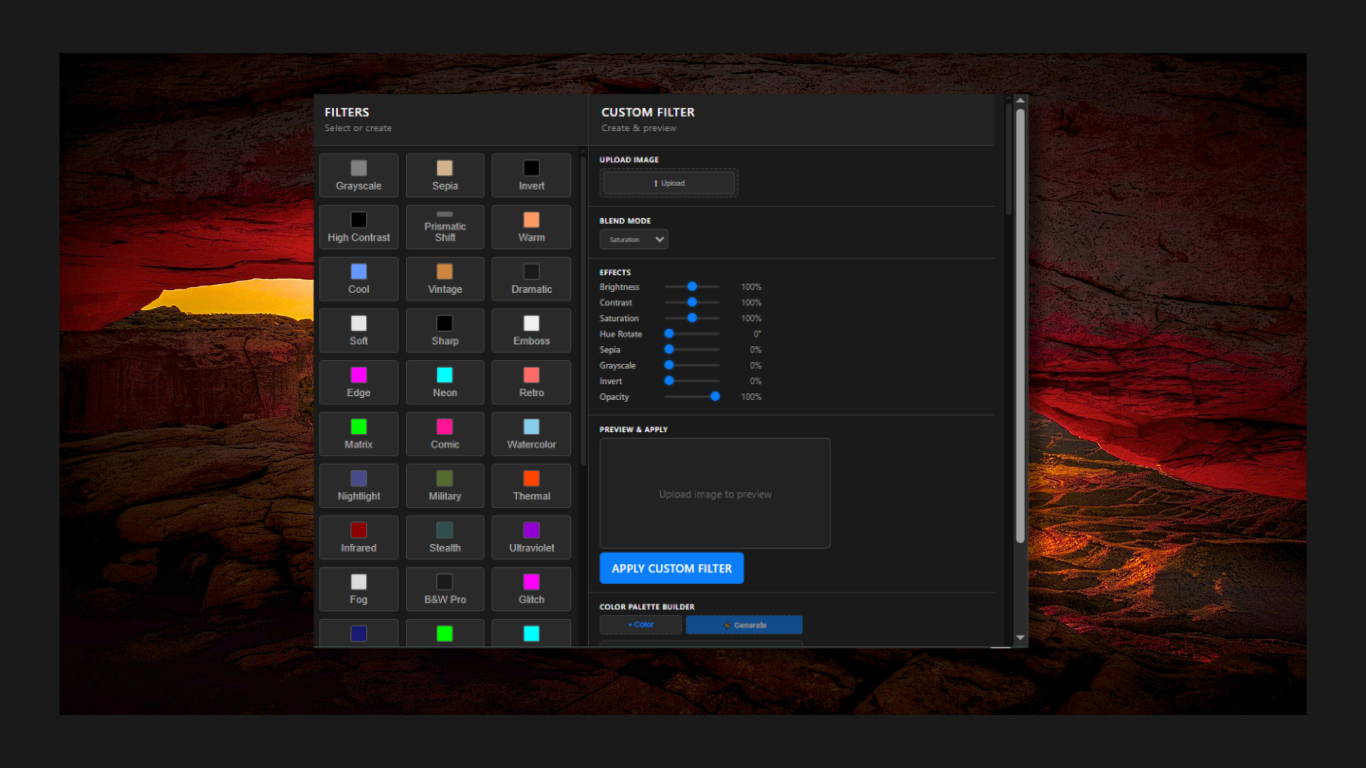
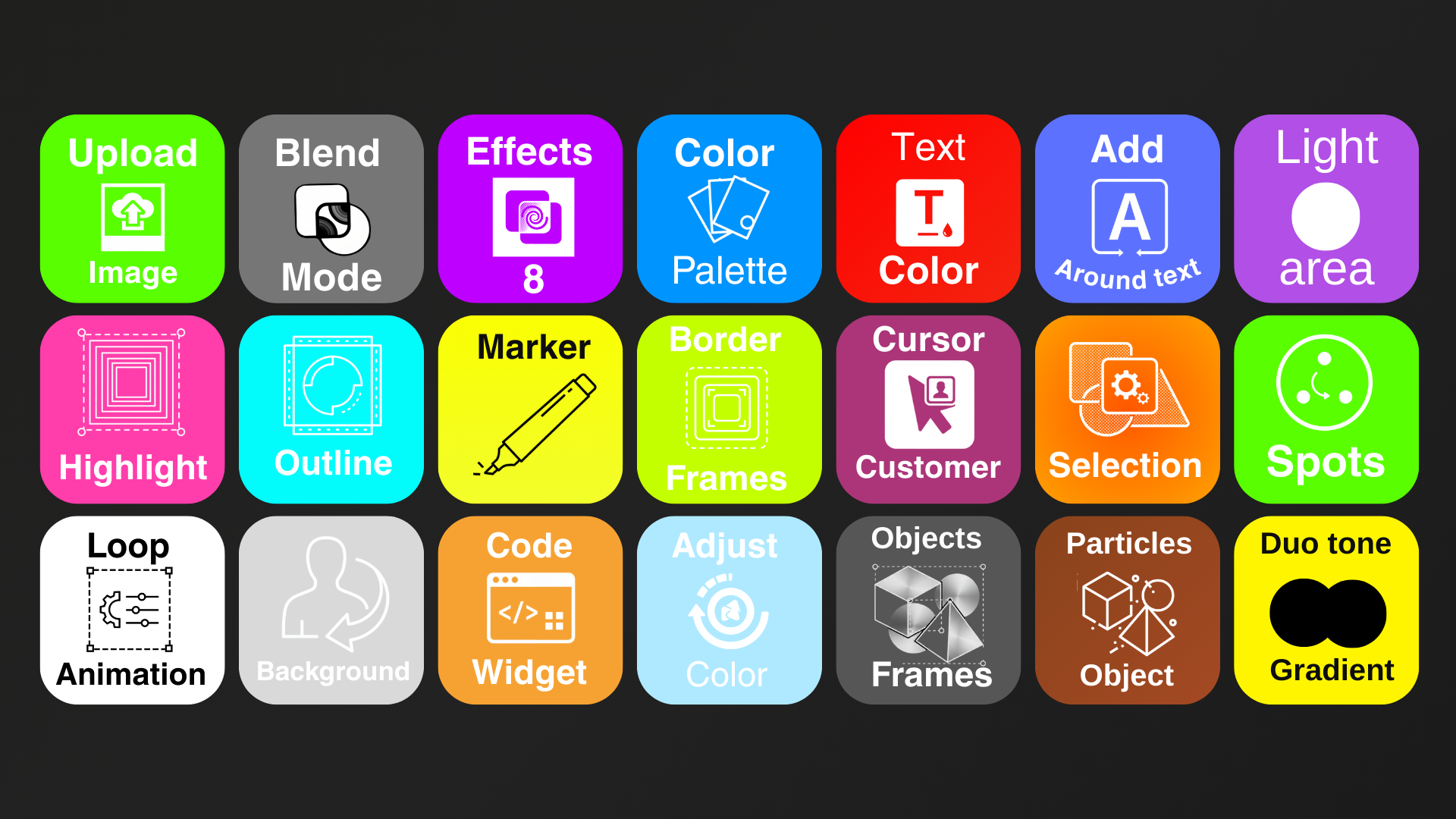
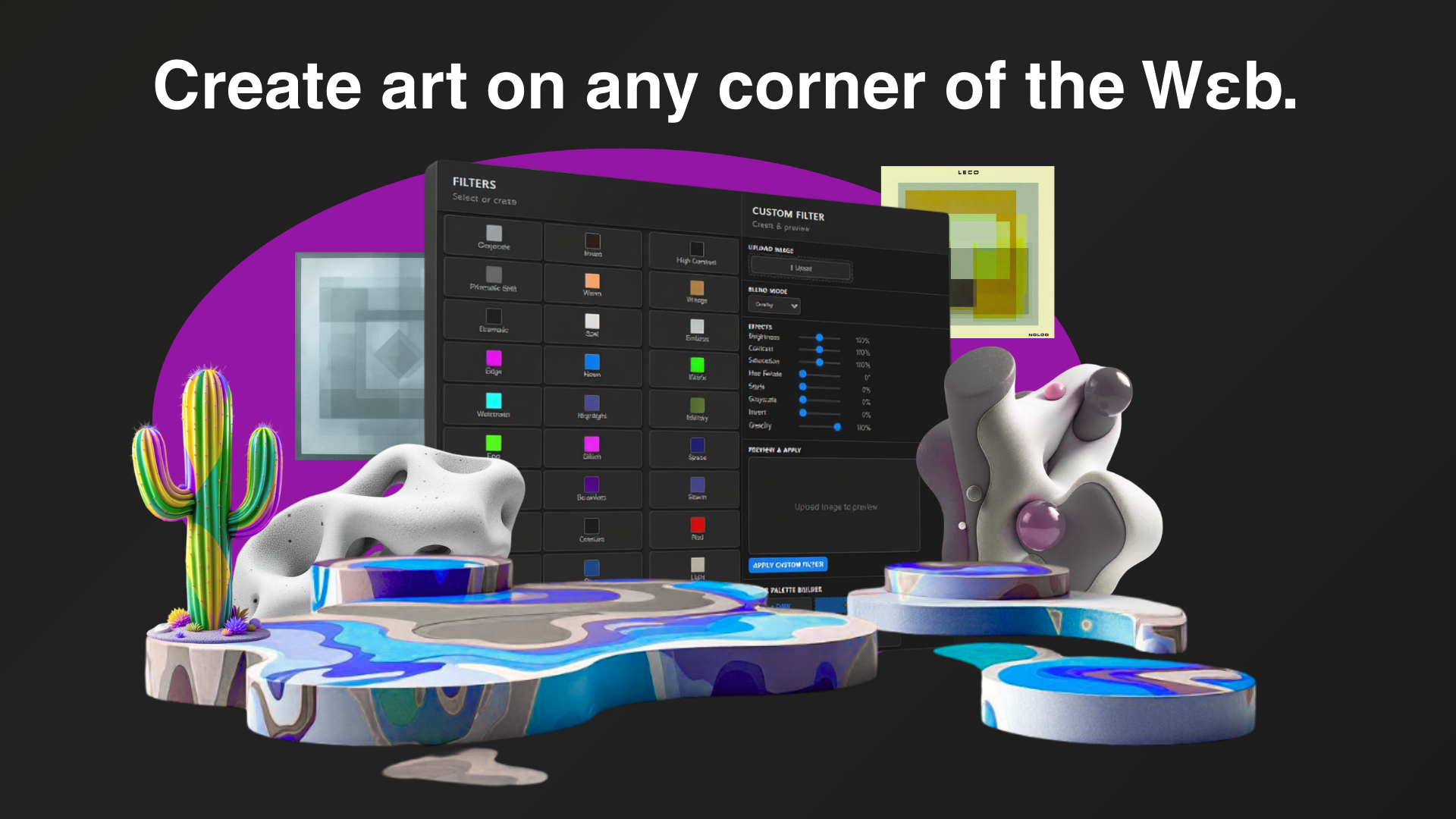
Apply a wide range of professional filters including grayscale, sepia, invert, high contrast, warm/cool tones, vintage effects, and many more to instantly change the visual mood of any webpage.
Custom Filter Controls
Fine-tune your effects with precise adjustment sliders for brightness, contrast, saturation, hue rotation, sepia intensity, grayscale levels, and invert effects. Create unique combinations for perfect customization.
Selection-Based Application
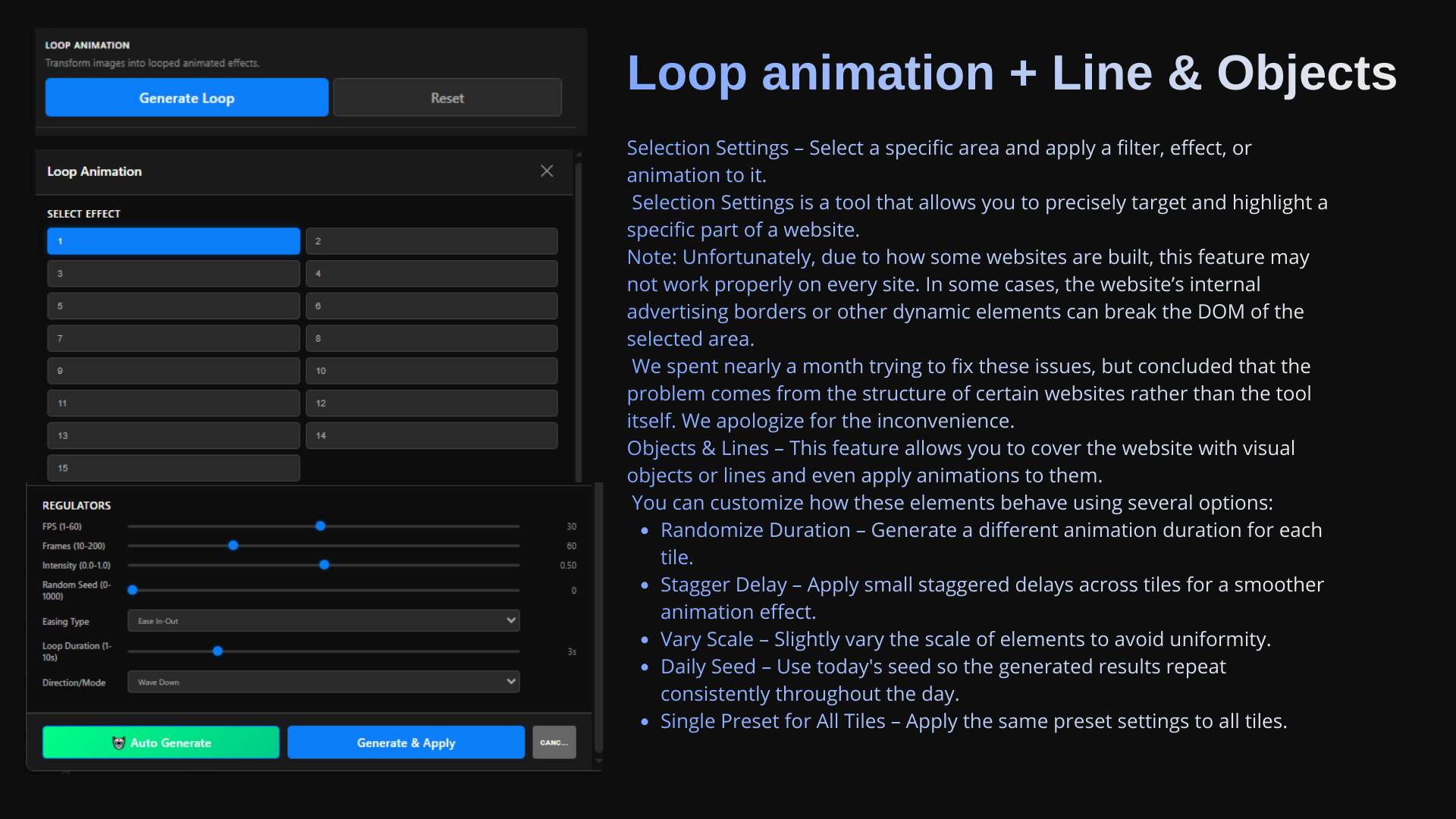
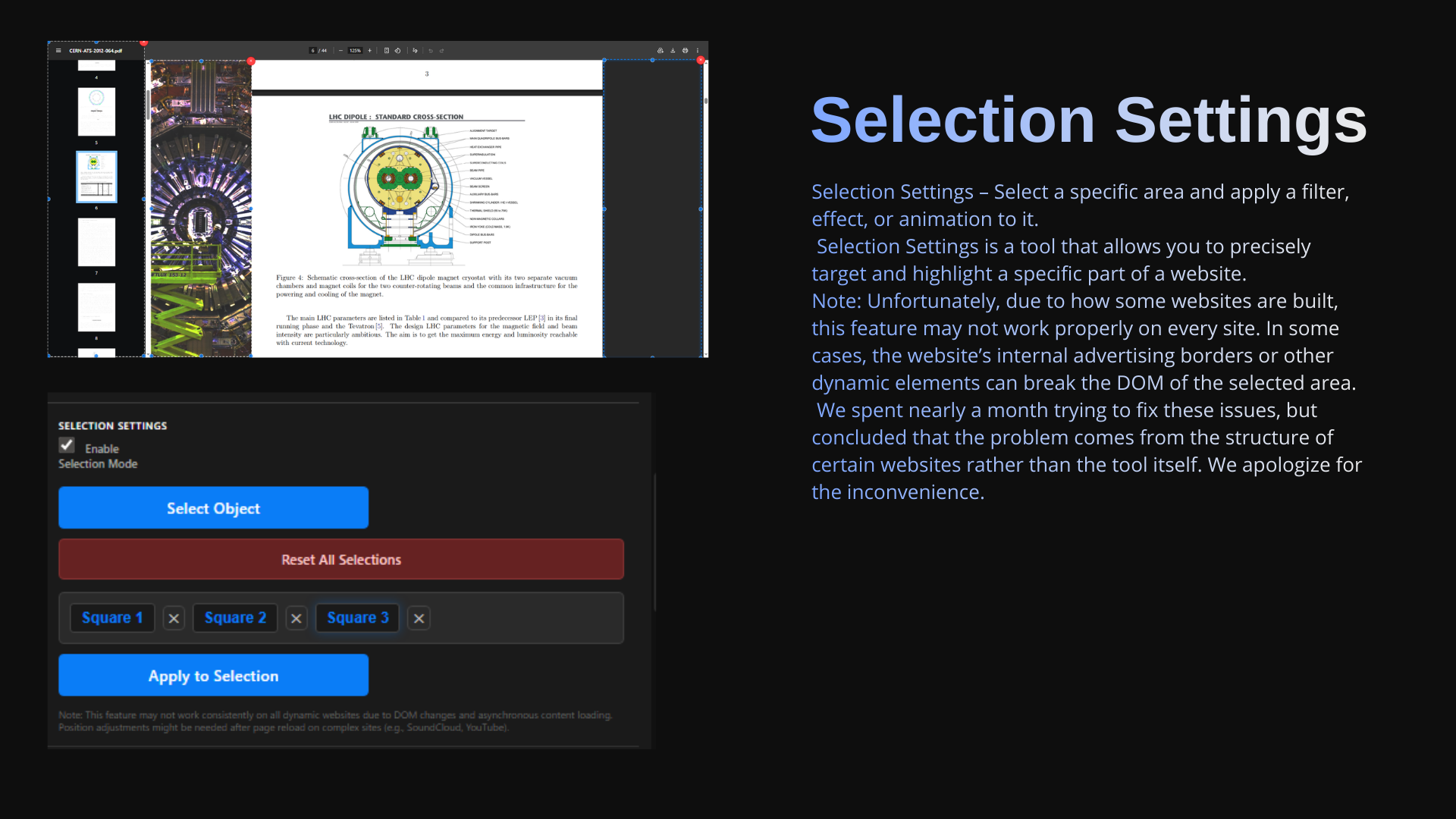
Use interactive selection squares to target specific areas of web pages. Apply filters, effects, and manipulations only where you want them, with drag-and-drop resizing and precise positioning.
Animated Border Frames
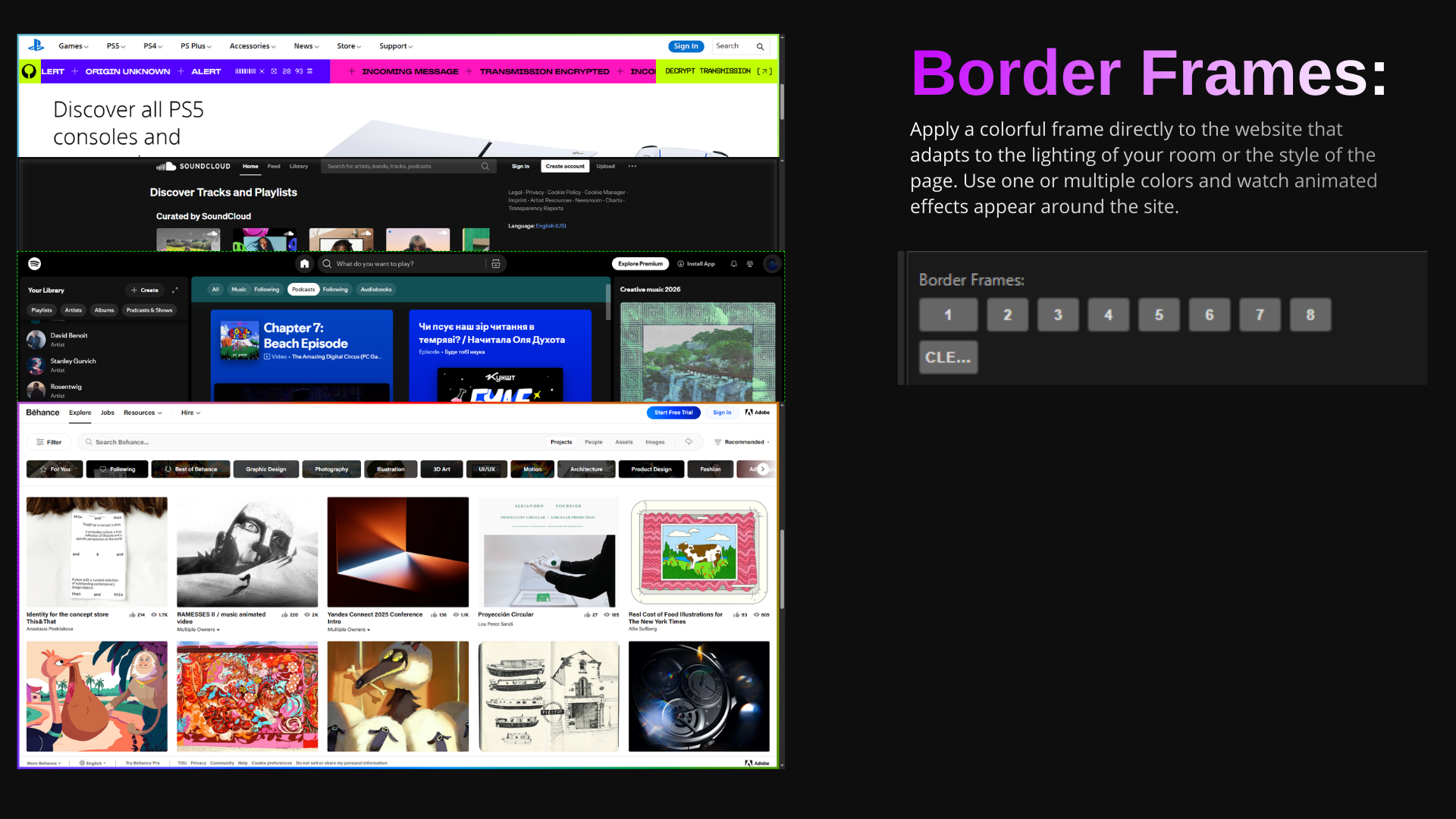
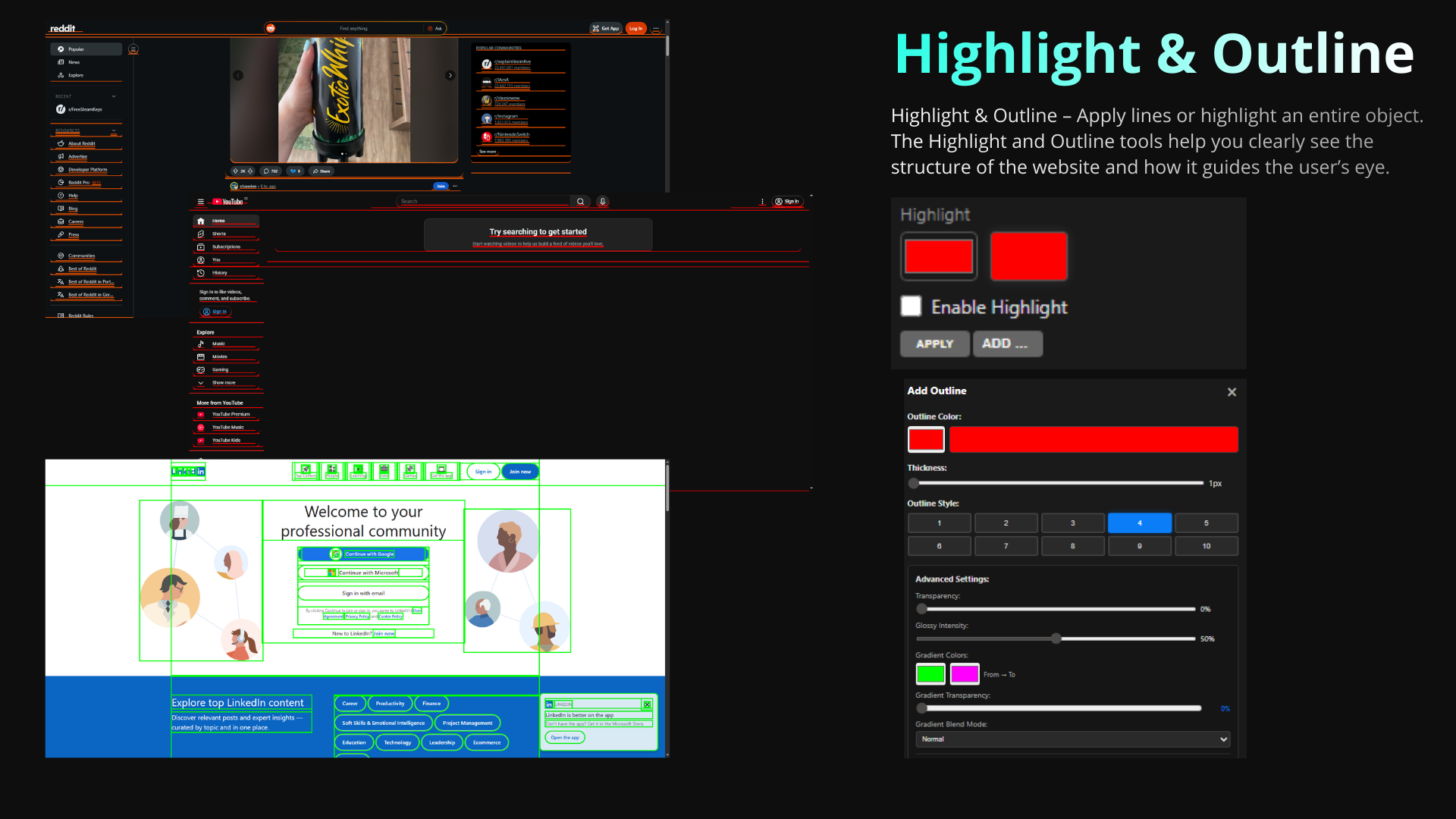
Add dynamic animated border frames with effects like gradient spin, neon glow, fire wave, matrix rain, electric bolt, 3D perspective, and adaptive color frames that respond to page content.
Gradient Maps & Color Effects
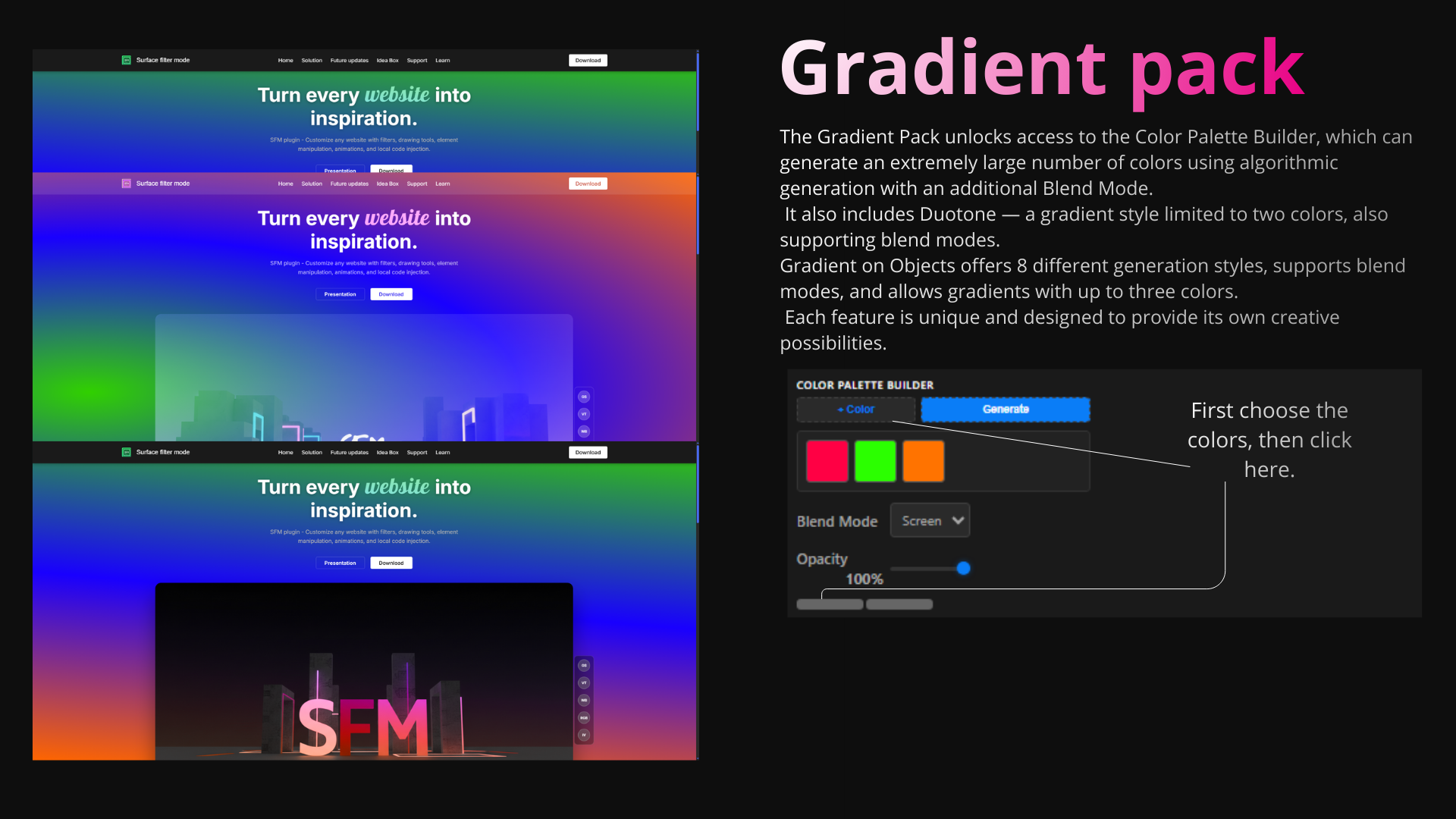
Transform images using advanced SVG-based gradient maps and color mapping. Apply complex color transformations that convert luminance values to custom color palettes.
Element Manipulation
Interact with and modify page elements through advanced selection tools. Move, resize, and transform elements on the fly for complete page customization.
Image Overlays & Blend Modes
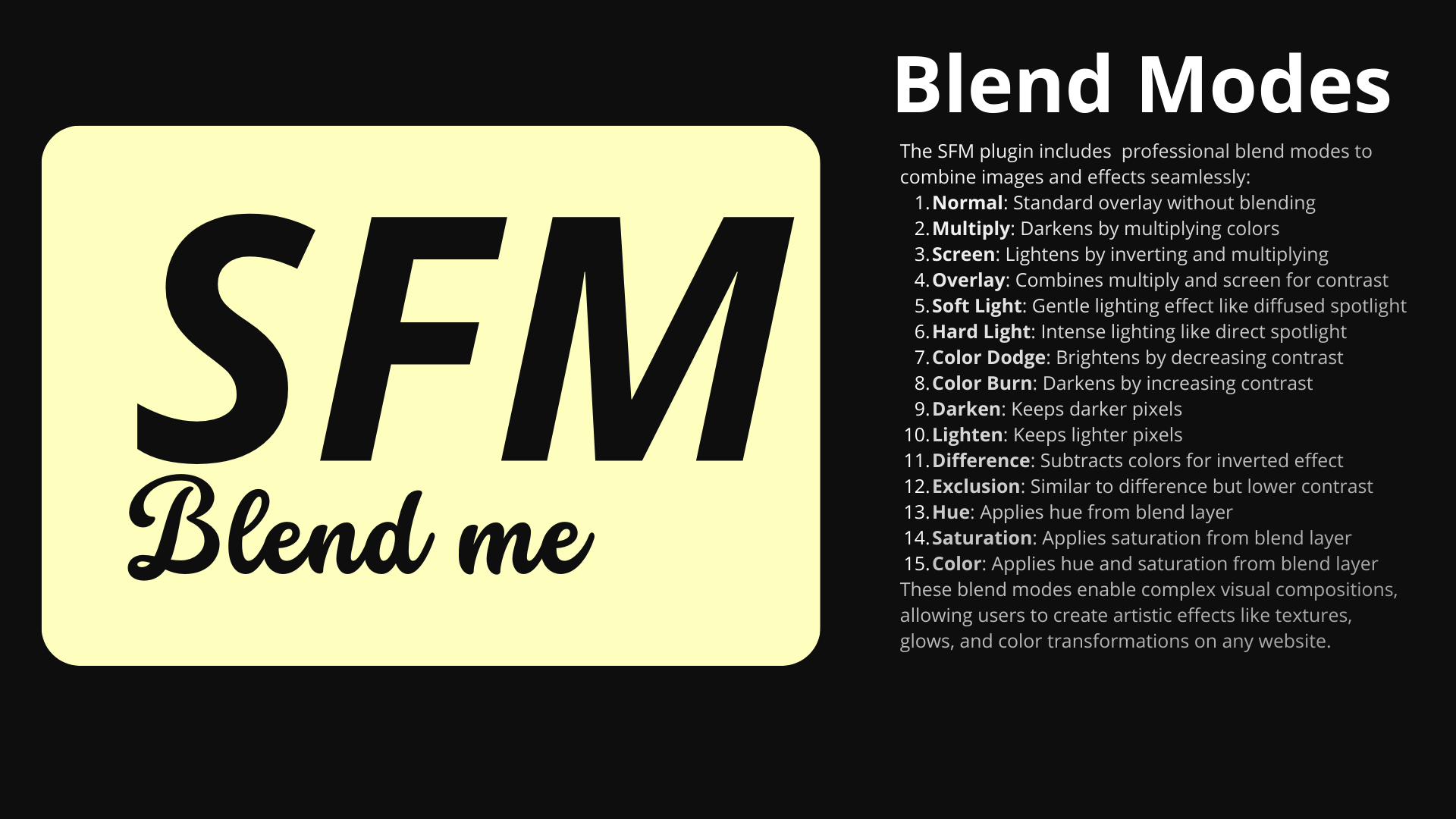
Overlay custom images with adjustable opacity and blend modes (multiply, screen, overlay, etc.). Perfect for adding textures, watermarks, or completely redesigning page visuals.
Local Code Injection
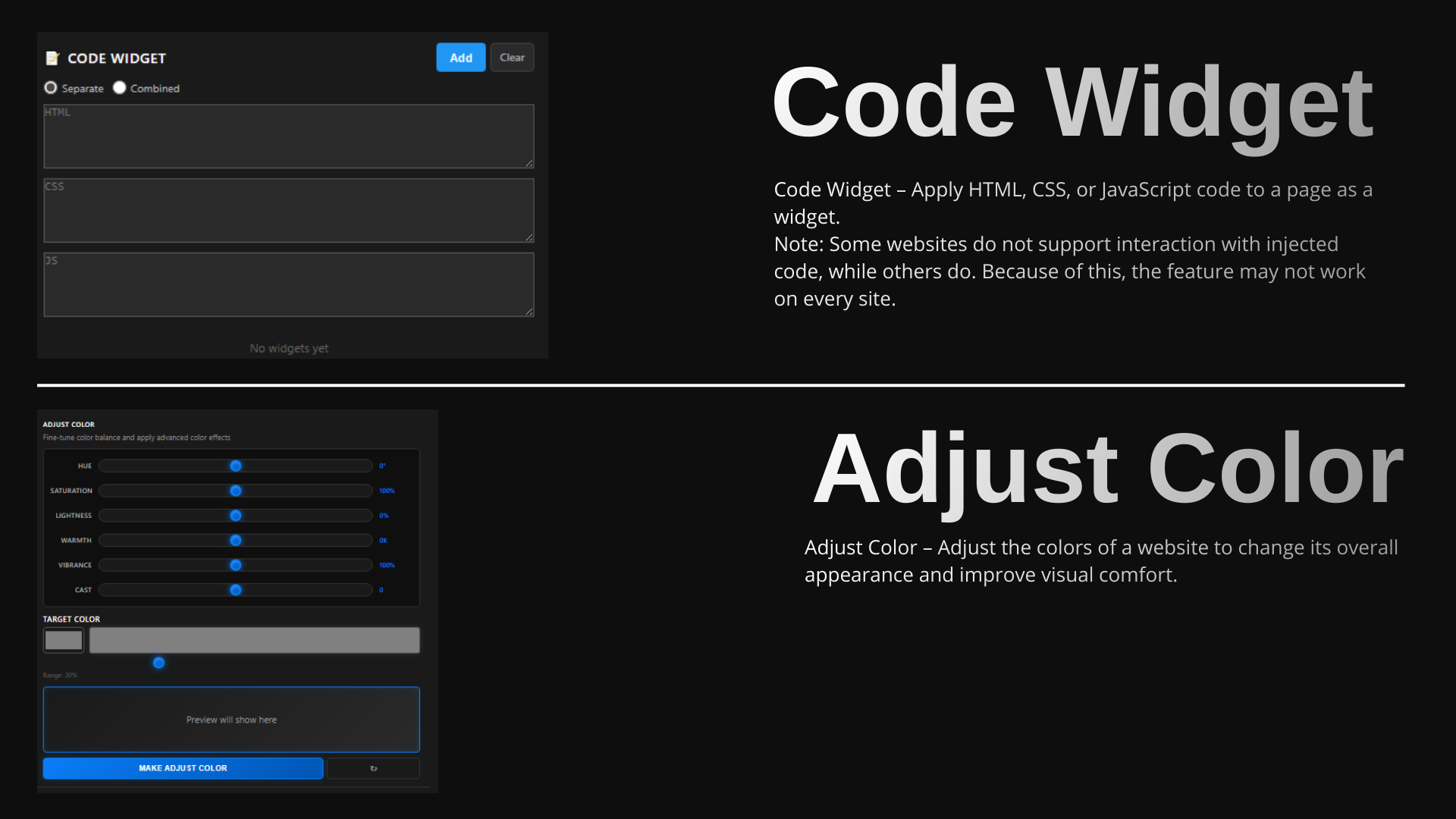
Inject custom CSS and JavaScript locally to extend functionality, add animations, create interactive elements, and build personalized web experiences without affecting the original site.


.png)
.png)
.png)
.png)
.png)







.png)